Mutual webcam show: what it is and how to start one
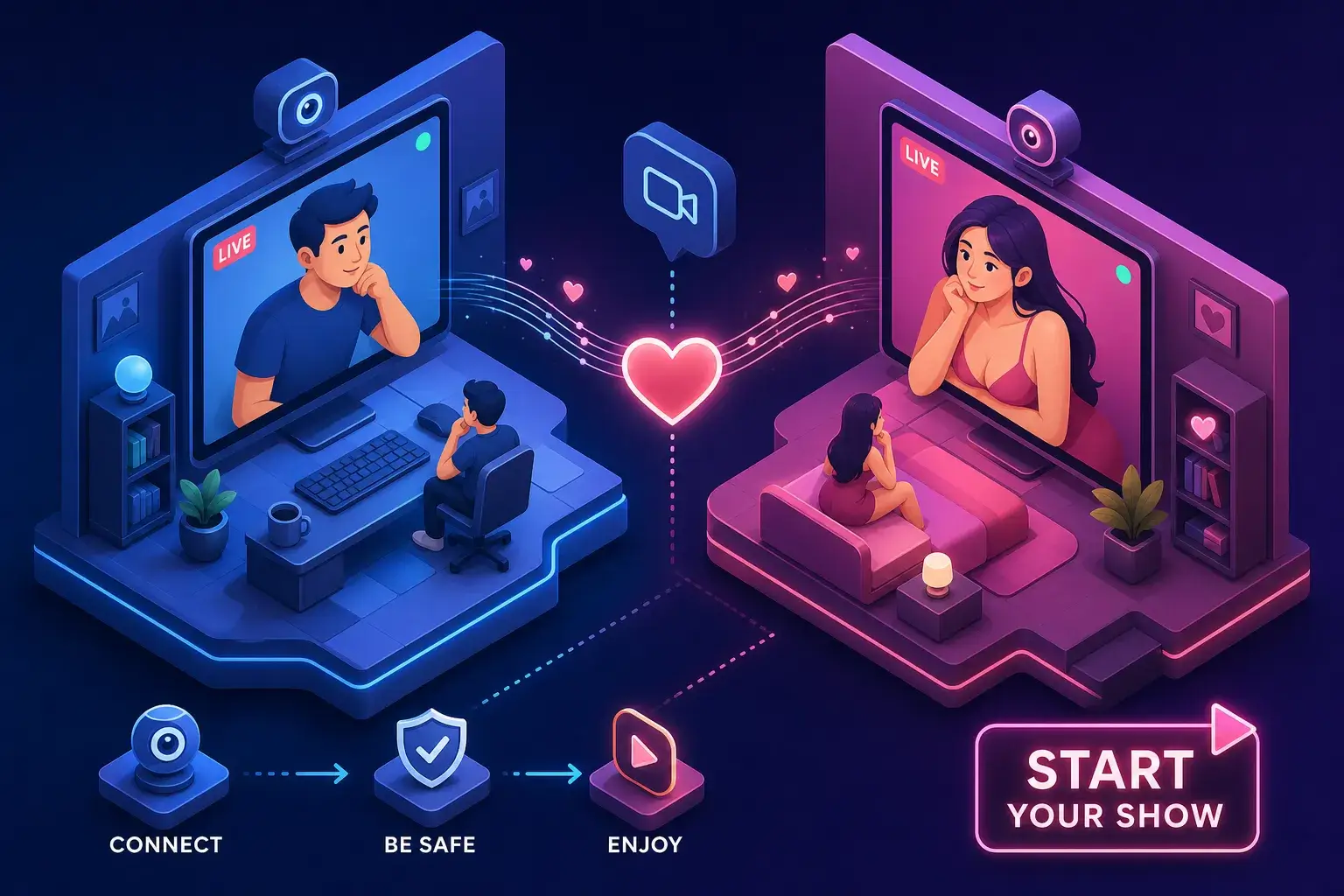
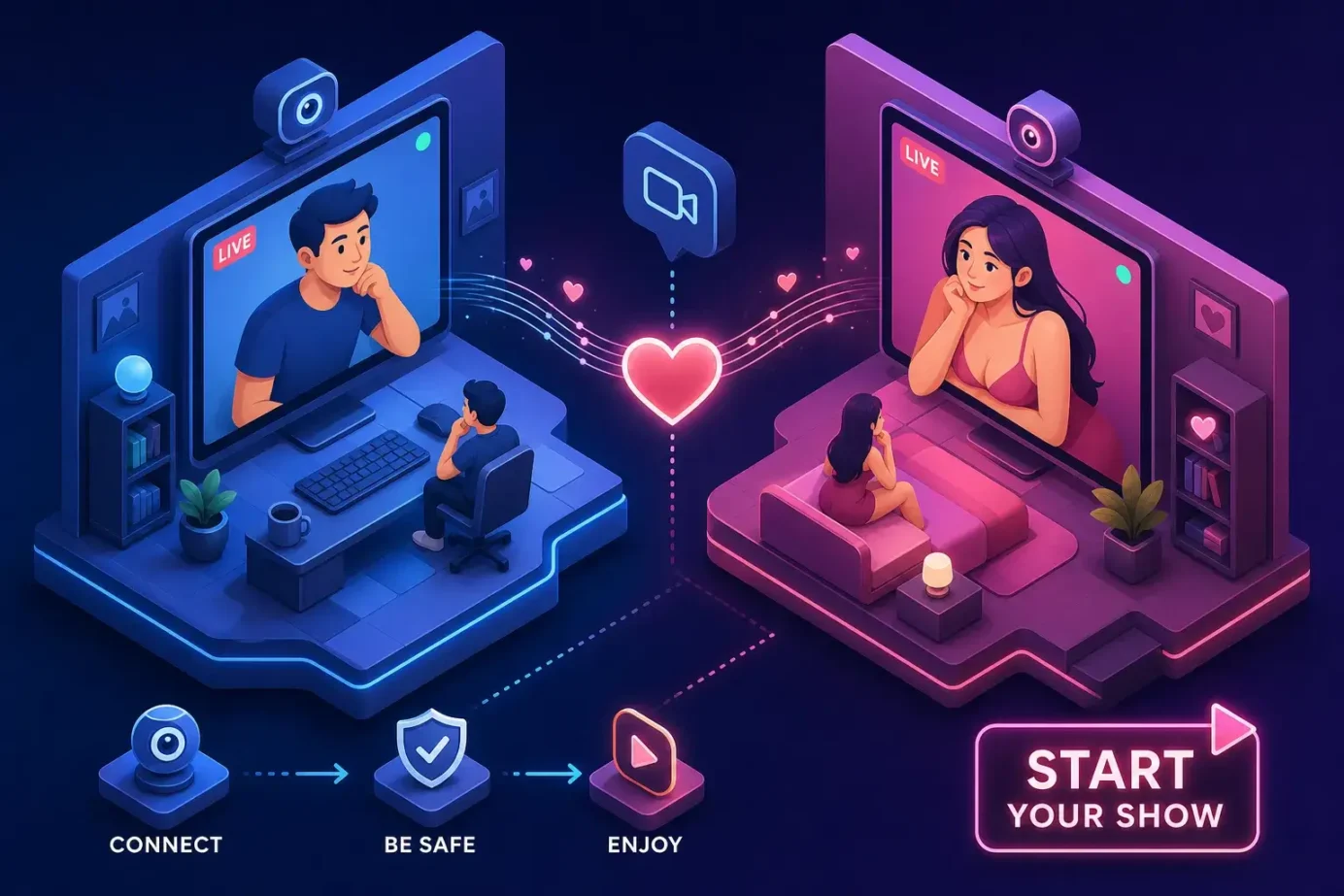
A mutual webcam show is a live session where both you and the model have your cameras on at the same time. Neither side is just watching, both sides are genuinely present, visible, and reacting to each other in real time. That distinction sounds small until you experience it, and then it changes everything about how a cam session feels.
Compare that to a standard cam room, where a performer broadcasts to hundreds of anonymous viewers at once. You can type in chat, tip, and request things, but the model is looking at a screen full of usernames, not at you. A mutual webcam show collapses that gap entirely. The model sees your face. You see theirs. The interaction is genuinely reciprocal.
If you want to find models offering this kind of session right now, WebcamSex.Link aggregates live performers from Stripchat, Chaturbate, Bongacams, Streamate, and XLoveCam into one browsable interface, with no registration required. By the time you finish reading this, you’ll know exactly what to expect, what you need, and how to get started.
What a mutual webcam show actually is
How it differs from a standard one-way cam room
In a regular public cam room, one person broadcasts and everyone else watches. The performer is on camera; the viewers are not. In a mutual show, the stream runs both ways simultaneously, the viewer’s camera is active, and both sides can see each other in real time. That shift from passive viewing to active participation is the entire point of the format.
The terminology you’ll see across platforms
The same concept goes by several different names depending on where you look. Cam2cam, C2C, two-way video, mutual show, and duet show all describe the same core mechanic: shared live video in both directions. Stripchat and Chaturbate both use “cam2cam” as their primary label. Some smaller platforms say “mutual stream” or “two-way show.” Knowing these terms are interchangeable helps you find what you’re looking for without getting tripped up by branding differences between sites.
Why mutual shows usually happen in private rooms
Mutual sessions almost always take place in private or password-protected rooms, not open public chat rooms. The reason is straightforward: when your camera is active, you want control over who can see you. In a properly structured private mutual show, only the model in that specific session sees your camera feed, nobody else watching the broadcast can. That privacy protection matters enormously for viewers who might otherwise hesitate to turn their camera on.
The equipment you need as a viewer before you go live
The basics: webcam, microphone, and browser
The minimum setup for a viewer is a webcam, a functioning microphone, and a modern browser like Chrome or Firefox. Built-in laptop cameras work perfectly fine for this. Most people reading this already have everything they need. The barrier to entry is genuinely lower than most first-timers expect, which is one reason mutual sessions have become so accessible.
Connection speed and streaming quality
A stable upload speed of at least 5 Mbps is enough for a smooth two-way session at standard quality. If you want HD without any lag, 10 Mbps upload or better is the right target. Poor upload speed on the viewer’s end causes freezing on the model’s screen, which breaks the interaction even if the model’s feed looks fine on your end. Run a quick speed test before your first session and check your upload number specifically, not just download.
Browser permissions and what to expect on first use
The first time you enable cam2cam on any platform, your browser will prompt you to allow camera and microphone access. This is completely normal and required. Click “Allow” when the popup appears. If your camera doesn’t show up in the session afterward, check that no other application is using it in the background and try refreshing the page. Chrome’s camera settings under Site Permissions are usually the fastest place to troubleshoot if something isn’t working.
How to find and request a mutual webcam show on major cam platforms
Platform-by-platform request flow
The steps vary slightly by platform, but the underlying logic is the same everywhere: enter the private room, activate your camera. Here’s how it works on the four most popular sites:
- Chaturbate: Click the cam2cam button inside the broadcaster’s room or during a private show, then approve browser permissions when prompted.
- Stripchat: Start a private show and select the cam2cam option from the session interface.
- CamSoda: Enter a private session first, then click “Share Cam” next to the tip button.
- Cam4: Select the Cam2Cam checkbox when requesting a private show, provided the broadcaster has that feature enabled.
Each platform’s UI looks different, but every one of them follows the same flow. Knowing that makes it much easier to navigate a new site the first time you try a mutual cam show on it.
How WebcamSex.Link surfaces mutual-show models across multiple networks
WebcamSex.Link is the fastest starting point for viewers who don’t want to hunt across platforms one at a time. The aggregator pulls live models from Stripchat, Chaturbate, Bongacams, Streamate, and XLoveCam into a single browsable interface with no account required. You can browse performers who offer cam2cam mutual webcam shows and click straight through to the live room without creating accounts on five separate sites just to see who’s online. It removes the friction entirely.
What to check before sending the request
Before you enter a session, confirm that the model lists cam2cam or mutual shows as an available option in their room description or tip menu. Check whether it requires a private show or is available in public chat, since most platforms restrict two-way video to private sessions only. Most importantly, verify your own camera is working before you start. Entering a session with a broken camera wastes your tokens and the model’s time, and it’s an easy problem to avoid with a 30-second test beforehand.
What actually happens during a mutual webcam show
The real-time interaction flow
Once the session is live, both sides can see each other simultaneously on their screens. The model can direct the interaction, respond to your expressions and reactions in real time, and adjust the show based on what they see from you. That feedback loop is what makes mutual sessions feel fundamentally different from pre-recorded content or a one-way cam room. The experience is built on genuine responsiveness, something passive watching simply cannot replicate.
Tipping, tokens, and how the session is directed
Most platforms charge a per-minute token rate for private sessions where cam2cam is enabled. Some models charge an additional fee specifically for mutual webcam show access, on top of the base private show rate, that surcharge typically runs around 10 to 30 extra tokens per minute. Tipping during the session can unlock specific acts or set the pace of the show, so understanding this structure before you enter helps you budget accurately and communicate clearly with the model about what you want.
Setting expectations and communicating what you want
Use the chat or audio early in the session to state your preferences clearly. Models running mutual shows are comfortable with direct requests, as long as they fall within the platform’s guidelines and the model’s own limits. Clarity from the viewer’s side leads to a better experience for both people, so just say what you’re looking for rather than expecting the model to guess.
Mutual webcam show pricing, payout splits, and how to request one
What viewers typically spend on a mutual session
Private shows with cam2cam enabled generally run between 20 and 90 tokens per minute depending on the platform and the model’s rate. On Chaturbate, for example, tokens are sold in bundles that work out to roughly $0.10 each at standard pricing, meaning a 10-minute mutual session runs anywhere from $3 to $12 or more before any cam2cam surcharge. Most models display their per-minute rate clearly in the room before you commit to starting a private session. Setting a budget before you start is the simplest way to avoid spending more than you intended.
How models set their mutual show rates
Models on most platforms set their own per-minute rate and decide independently whether to charge extra for cam2cam access or bundle it into the standard private show price. The platform takes a percentage cut of earnings, and that cut varies by site and sometimes by the model’s performance tier or tenure. On Chaturbate, the standard model payout is approximately $0.05 per token, roughly a 50/50 split against what viewers pay. Rates vary more widely on Stripchat and CamSoda, which explains the broad price range you’ll see across performers.
How payout splits work for co-model shows
For duet or co-model mutual cam shows where two performers split earnings, the most common arrangement is a 50/50 split when both contribute equally, or an uneven split when one model handles setup, promotion, or primary production. That backend arrangement doesn’t affect what the viewer pays, the room rate stays the same regardless.
Safety and privacy checklist before anyone hits “go live”
What viewers need to know about their own camera feed
In a properly structured private mutual session, only the model in that session sees your camera. No other viewer in a public room can see you. That said, treat your own camera with the same care you’d apply to any video call where appearance matters. Before the session starts, check your background for anything identifying: turn off visible notifications, clear identifying documents or personal photos from the frame, and use a neutral environment. A quick background check takes under a minute and eliminates a whole category of risk.
The core privacy checklist for models
For models offering mutual sessions, five actions form the baseline before going live, and every one of them pays off fast once you’re performing regularly:
- Use a stage name and a dedicated performer email address with no connection to your legal identity.
- Geo-block locations where the platform allows it.
- Do a full frame audit before every session to check for identifying objects at the edges of the camera view.
- Enable two-factor authentication on every platform account.
- Keep payment details and contact information completely separate from your personal accounts.
Red flags during a session and how to end it cleanly
Both models and viewers should watch for warning signs that a mutual session has gone wrong. Requests to move communication off-platform, pressure to share personal contact details, attempts to screenshot or screen-record, and pushing past agreed limits are all clear signals to end the session immediately. Exit without explanation when something feels off. If threats or violations occurred, document them by screenshotting before closing the session, then use the platform’s built-in reporting tool. Reporting violations protects the next person who encounters the same account.
Frequently asked questions about mutual webcam shows
How do I request a mutual webcam show or cam2cam session?
Start by entering a private show with a model who lists cam2cam or mutual shows in their room description. Once inside the private session, look for a “cam2cam,” “Share Cam,” or similar button in the session interface and click it. Your browser will prompt you to allow camera access, click Allow, and your feed will go live to the model. The exact button label varies by platform, but the flow is the same on every major site.
Is a mutual webcam show private? Can other viewers see me?
In a properly configured private mutual session, only the model in that room sees your camera feed. Other viewers in public rooms cannot see you. This is the standard setup on all major platforms. To be safe, always confirm you’re in a private room before activating your camera, and check the model’s room settings in advance.
What does a mutual cam show typically cost per minute?
Rates vary by platform and model, but private shows with cam2cam generally run between 20 and 90 tokens per minute. On Chaturbate, where tokens are roughly $0.10 each at standard bundle pricing, that works out to about $2 to $9 per minute. Some models charge an additional 10 to 30 tokens per minute specifically for cam2cam access on top of the base private show rate. Always check the model’s listed rate before starting a session.
What is mutual show cam2cam meaning, is it the same thing as a two-way show?
Yes. Cam2cam, mutual webcam show, mutual cam show, two-way show, and mutual stream all refer to the same format: a live session where both the viewer and the model have their cameras active simultaneously. The terminology differs by platform, but the experience is identical.
Do I need to create an account to browse mutual webcam show models?
WebcamSex.Link lets you browse live models from multiple platforms with no account or signup required. You only need to create an account on the specific platform when you’re ready to start a private session and purchase tokens or credits.
How do payout splits work for models in a mutual show?
Each platform takes a percentage of what viewers spend, with the remainder going to the model. On Chaturbate, the standard payout is around $0.05 per token, roughly 50% of what the viewer pays. For co-model or duet mutual shows, the two performers typically split their combined earnings 50/50, or at a different ratio if one model handles more of the setup and promotion.
Ready to try a mutual session?
Now that you know what a mutual webcam show involves, how to request one, what it costs, and how to stay safe on both sides of the camera, the only thing left is to find the right model and get started. The format rewards a little preparation, a working camera, a confirmed upload speed, and a quick background check, and then gets out of your way.
WebcamSex.Link pulls live performers from Stripchat, Chaturbate, Bongacams, Streamate, and XLoveCam into one place, with no account required and no signup friction. Browse, find someone whose style fits what you’re looking for, and click through to their live room. Your first two-way session is one click away.